
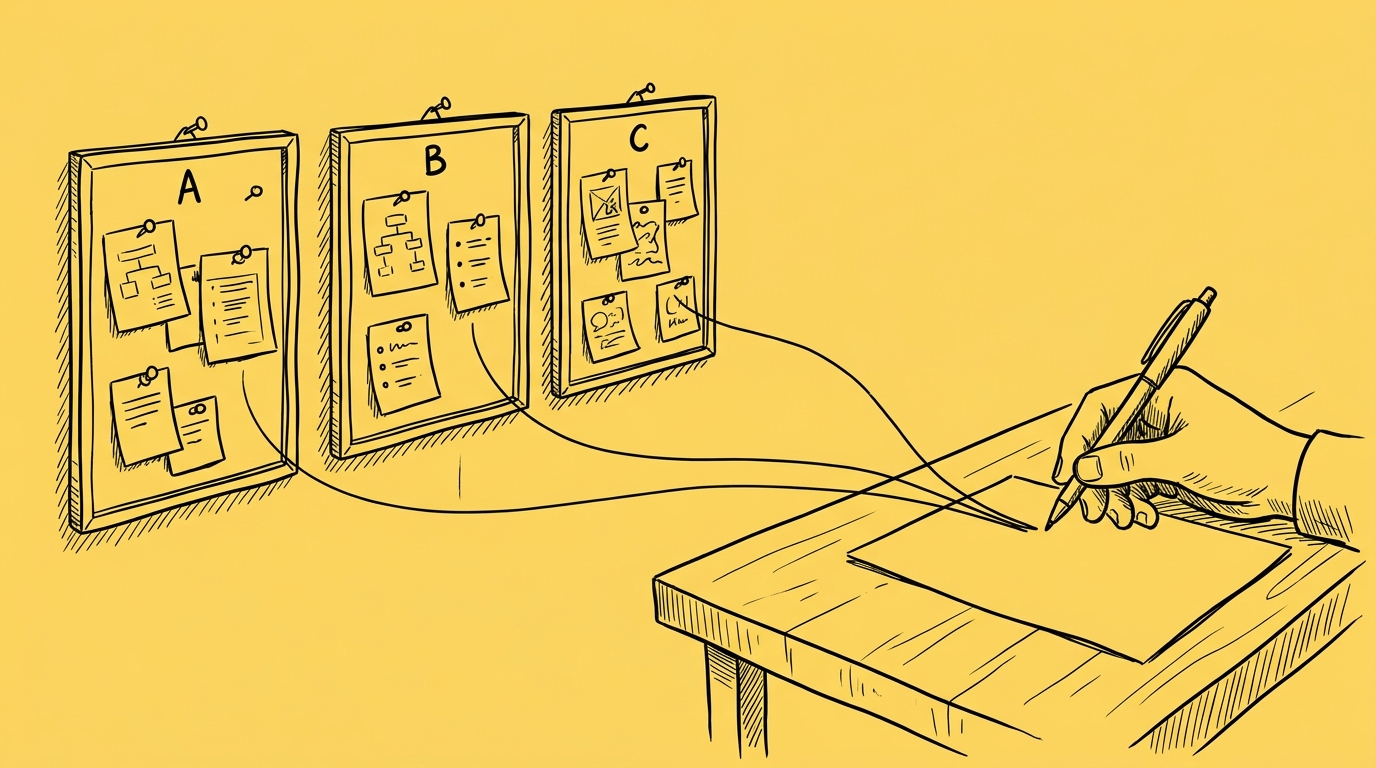
Status reports used to eat the day before every client call. I’d open last week’s version, read back through the Trello board, the Slack channel and my call notes, and piece together what had changed. Now I type “write this week’s status report” and get a draft to review, built from the same sources I used to read by hand. What used to take most of a day now takes less than an hour of review.
I run three very different projects at the same time. Here is what that looks like week to week, and where I still keep the AI on a short leash.
Can AI write a weekly project status report?
Yes, as a draft you review. Before each weekly client call, I run my status report skill, a saved set of instructions the AI follows every time I ask for the report. It uses last week’s report as a template, then pulls what the team delivered since, notes from our last call, the client’s Slack channel, and every list on the project board, including comments. It also checks our internal channel to understand team capacity, with a clear instruction never to quote it.
The skill shows me the full draft in chat and asks before creating the document. Once the document exists, it reads it back because Drive once dropped text during conversion without warning. I fix what’s off and approve it.
Getting here took two corrections. The first version built “what we’re working on” only from finished work, so it missed three sprint cards nobody had started yet, and in a client meeting that is the most important section. An earlier version skipped card comments, which is where clients actually talk. Now the skill reads the whole board.
How can AI turn meeting transcripts into notes and follow-ups?
AI can take a call transcript and turn it into shared meeting notes, with an owner and a reminder for every action point. I record all calls related to different projects with Granola, but it works just as well with a Teams transcript or with any written transcript or notes.
After the calls, the AI reads the transcript and writes notes for everyone involved: the client, developers, design, QA, and anyone else who joined. The notes cover decisions, changes to what was already agreed, risks, open questions, and action points, each with an owner.
The AI also creates reminders for each follow-up, so the action points don’t stay on the page. That’s where a lot of loose ends used to hide for me. Someone agrees to something on the call, nobody writes it down, and weeks later two people realise they had different ideas about what was agreed. Now each point has an owner and a reminder, and everyone got the same notes.
How do you keep track of requests from clients and other teams?
Let the AI turn every request into a card linked to its source, then review the cards yourself.
New or updated requests come from multiple teams, like sales promising something to a prospect, support passing on a bug, or design asking for a change and from multiple channels: Trello, Notion, Slack or email.
The AI reads them and drafts cards, each one linked back to the original request and the person who made it, so every card traces to something someone actually asked for. I review the cards before they go on the Trello board.
Before I tell anyone something is ready, a read-only skill confirms it’s really been delivered and tested, whatever the board says. My favourite line in that skill is “Trello list position is a claim, not evidence.”
What should a project manager still check by hand when using AI?
Everything above ends the same way: with a draft and a pause.
Anything that goes to a client in your name, and every number. Those are the two places where AI can hurt you most, so in my setup every skill stops before anything client-facing goes out.
AI drafts the Trello or Notion comment, and I read it before posting. “Don’t write on the Trello card before confirming it with me” is literally in my history. Numbers get the same treatment. When a client asked why campaign spend differed between the dashboard we built and the ad platform, the draft reply said a timezone difference “exactly” explained the gap. I reran the numbers, and it explained about half. The real cause was one advertiser with no reporting timezone set. Now no number leaves until I’ve checked it myself.
See it live
None of this is tied to my tools. It runs on Claude or ChatGPT and works just as well with Jira, Teams, Outlook, and Microsoft 365 as with Trello, Slack, and Google. Every project I run gets the same pattern: AI reads wherever the project actually lives, drafts the work, and stops before anything goes out without me.
On October 28, I’ll run it all live in our webinar, AI workflows for project managers: the weekly status report, notes and follow-ups from a real project call, and a request turning into a card. You’ll see what it gets right, what I still check by hand, and why.


Webinar: October 28
AI workflows for project managers
AI workflows for project managers
Free webinar - October 28
